Amazon Echo 7 Summary
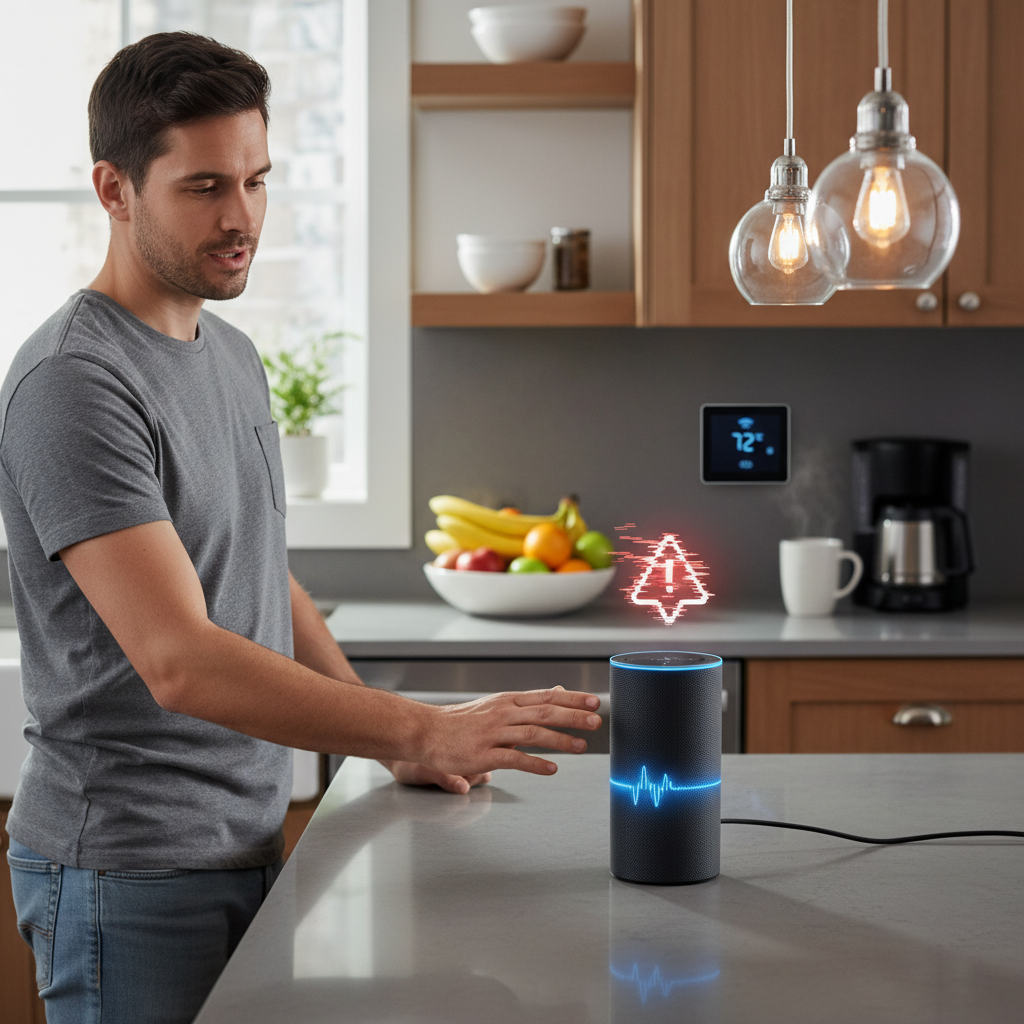
The Amazon Echo 7 is a voice-activated smart speaker that utilizes Alexa to enhance daily life by controlling smart devices and providing notifications. While its affordability and integration with the Amazon ecosystem are appealing, users often face issues like erratic notification sounds and volume inconsistencies that may hinder the experience.
Customizing Alexa for Optimal Usability and Privacy
Adjusting Alexa’s settings is crucial for improving usability and safeguarding privacy. Default features, like Drop In and extensive notifications, can lead to interruptions and data exposure. Users should take an active role in managing settings through the Alexa app, simplifying control over voice recordings and notification preferences.
Key Settings to Enhance Your Echo 7 Experience
To create a streamlined and secure experience with the Echo 7, it is beneficial to disable or adjust specific features that may cause disruptions or privacy concerns. For instance, turning off the Drop In feature prevents uninvited connections, while managing notifications allows users to filter alerts. Adjusting preferences for Hunches, voice recordings, and third-party skills can further enhance user control and privacy.
Drop In Control
Disabling the Drop In feature helps maintain privacy by preventing unexpected access from friends and family. Users can easily adjust this in the Alexa app, ensuring conversations remain private and session interruptions minimized.
Notification Management
Customizing notifications helps reduce noise. Users can opt to receive only crucial alerts or disable features during certain hours, creating a quieter environment while keeping essential updates accessible.
Hunches Deactivation
Turning off Hunches can prevent unsolicited suggestions that may feel intrusive. This adjustment is simple and allows users to engage with Alexa on their terms.
Voice Recording Control
Managing voice recordings is key to protecting personal data. Users can set preferences for data retention, aligning with their comfort levels regarding privacy.
Third-Party Skills Caution
Being selective with third-party skills reduces the risk of data vulnerabilities. Understanding and managing these permissions is integral for maintaining a secure smart home experience.
Volume Adjustments
Fine-tuning volume settings according to different environments ensures comfortable interactions with Alexa while preventing unexpected loud sounds. Manual adjustments can be made for both audio and notification volumes for optimal listening conditions.
Additional Features for Reducing Noise
Beyond core settings, Echo devices offer features to further manage unwanted noise. Using the Alexa app for remote volume control and activating Do Not Disturb mode allows users to create personalized quiet times, catering to specific preferences. Customizing alarms and notifications deepens control over audio interruptions.
Considerations for User Experience
Modifying Alexa settings requires a balance of convenience against potential functionality limitations. While disabling features like voice purchasing enhances security, it may restrict convenience. Users should also be aware of privacy trade-offs and the necessity for frequent management of these settings to maintain a satisfactory smart home experience.
Troubleshooting Settings Adjustments
After making changes, users may encounter issues with alarms and routines. Ensuring that connectivity and app updates are maintained can resolve many setup difficulties. Revisiting settings in the Alexa app permits ongoing adjustments, allowing users to refine their device behavior as needed.
The content is provided by Blake Sterling, Home Upgrade News