Why Upgrade HDMI Cables for New TVs and Monitors
Upgrading HDMI cables enhances the performance of modern high-definition displays, allowing users to fully utilize advanced features like 4K at 120Hz, 8K resolution, and superior audio formats. Older cables, especially those before HDMI 2.0, may physically fit but lack the bandwidth and support for new technologies, leading to subpar performance such as flickering and color distortion.
Limitations of Older HDMI Cables
Older HDMI cables often cannot handle the bandwidth required for higher refresh rates and resolutions. Cables from HDMI 1.4 support only up to 10.2 Gbps, insufficient for modern requirements, while HDMI 2.0 offers 18 Gbps but still falls short for 4K HDR at 120Hz or 8K content. These limitations can result in degraded performance and incompatibility with advanced features introduced in HDMI 2.1.
Benefits of the Latest HDMI Standards
HDMI 2.1 significantly upgrades bandwidth capacity up to 48 Gbps, enabling support for both current and upcoming resolutions, alongside gaming-friendly features like Variable Refresh Rate (VRR) and Auto Low Latency Mode (ALLM). With these capabilities, the latest HDMI cables deliver a superior audiovisual experience while ensuring compatibility with the newest technologies in TVs and monitors.
Real-World Issues from Using Outdated Cables
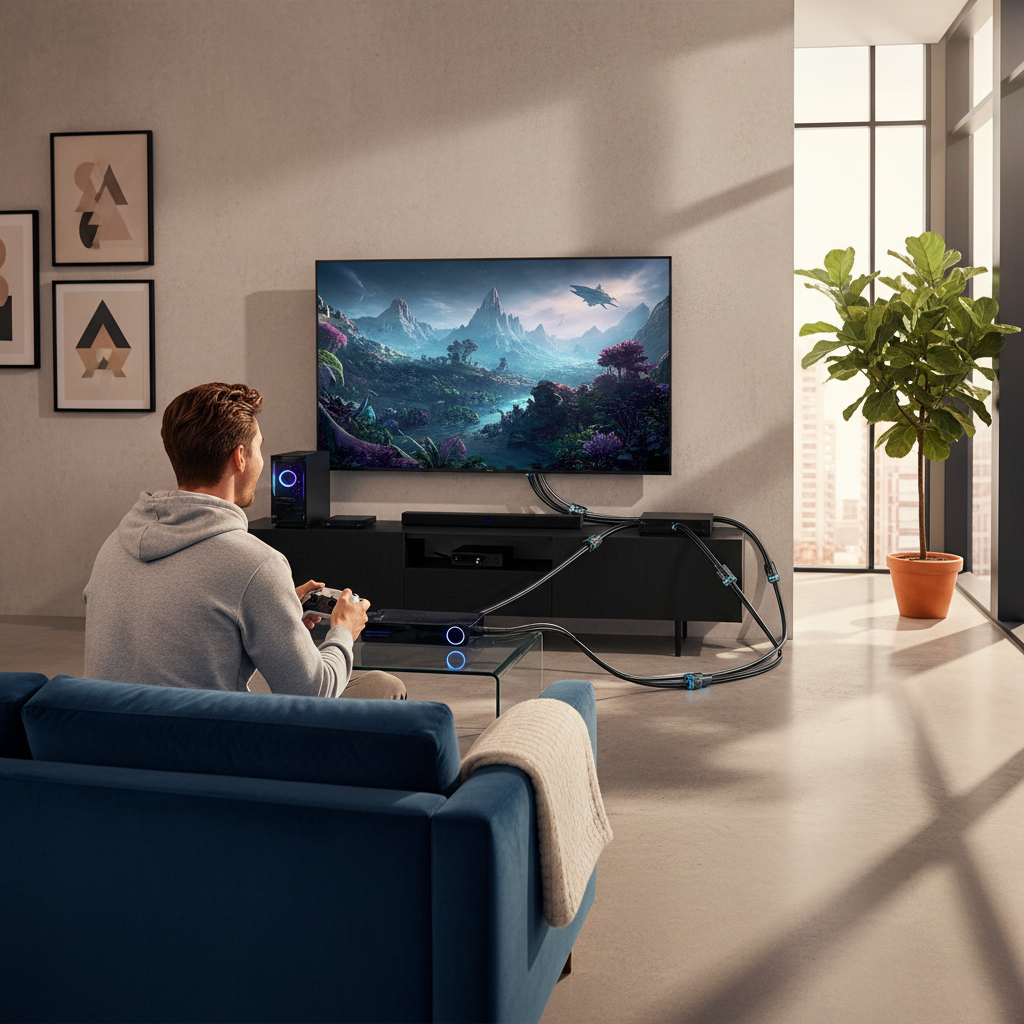
Utilizing outdated cables can lead to issues like signal loss, screen flickering, and missing advanced features such as HDR and eARC. These problems typically stem from inadequate bandwidth or cable quality, which can compromise overall audio and video experiences especially for high-performance gaming or home theater setups.
Choosing the Right HDMI Cable
Selecting the correct HDMI cable ensures compatibility with modern devices and optimal performance. Look for cables that support newer standards like HDMI 2.1, focusing on certified options to guarantee features such as eARC and VRR. Knowing the performance requirements based on your devices’ resolutions and functionalities helps avoid the pitfalls of lower-quality or outdated cables.
Understanding HDMI Cable Certification
HDMI cables should display their certification on packaging and physical labels to ensure quality and compliance with performance standards. Certified cables undergo rigorous testing to verify they support advanced video and audio formats, which is crucial for effective use in modern entertainment systems. Verifying cable certification before purchase aids in selecting reliable options.
Myths About HDMI Cables
Many believe all HDMI cables are interchangeable, but this is misleading; lower-category cables often lack the necessary support for modern features. There are also myths surrounding the degradation of HDMI cables and the impact of premium pricing on quality. As long as the cable is intact and meets required specifications, performance should be consistent without substantial differences based solely on cost or brand.
Installation and Maintenance for Optimal Performance
Proper installation practices, such as avoiding cable bends and ensuring clean connections, are essential to maintain HDMI cable performance. Routine checks for any visible damage and regular updates on connected devices can help prevent connectivity issues. Handling and storing cables appropriately also extend their lifespan and enhance signal quality, ensuring a reliable audio-visual setup.
The content is provided by Jordan Fields, Home Upgrade News