Summary
The implications of leaving your Roku Streaming Stick plugged in 24/7 center on energy consumption, device longevity, and performance. Despite concerns over overheating or hardware damage, Roku devices are designed to operate efficiently on continuous power, with standby energy consumption as low as 0.1 to 0.2 watts. While routine unplugging can be a precaution during storms or in case of overheating, overall expert consensus supports leaving the device plugged in for optimal performance and prompt updates. Understanding these factors can assist users in making informed choices about device management and care.
Device Operation and User Concerns
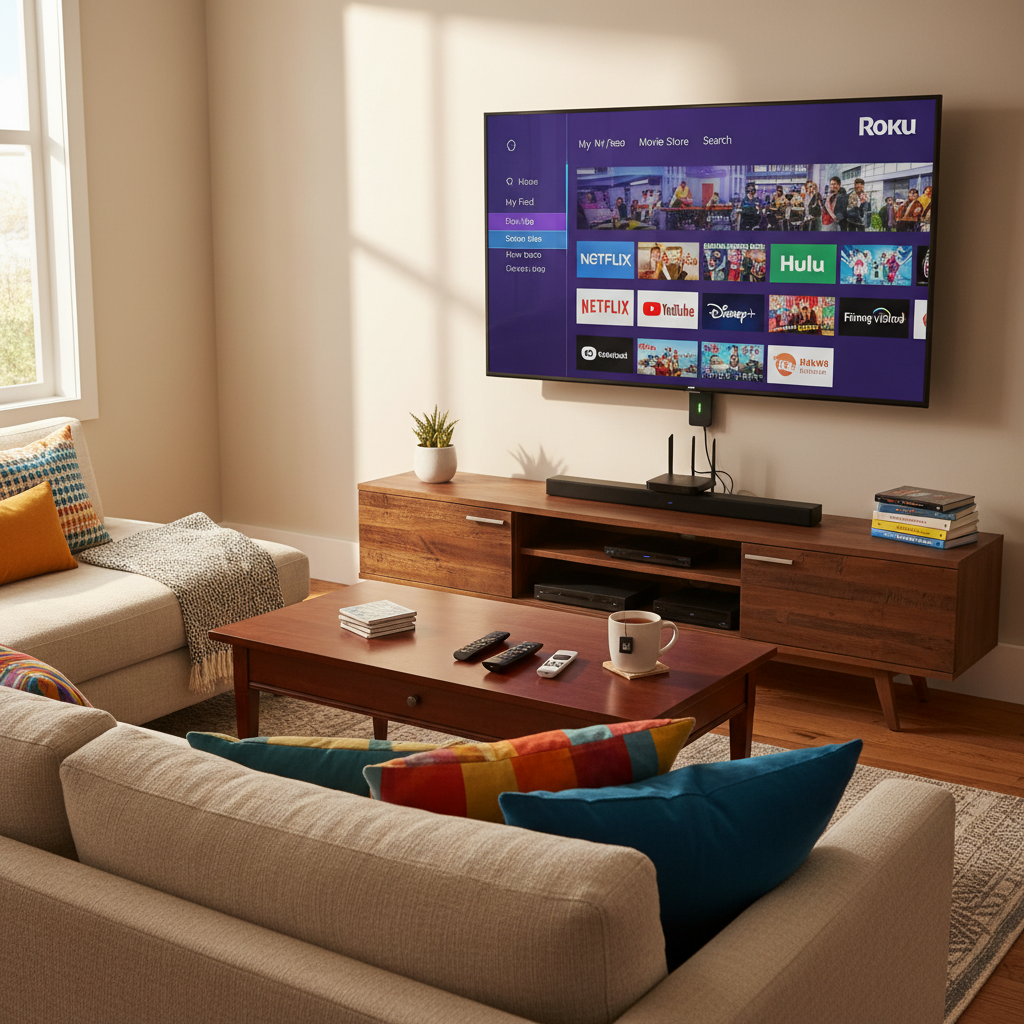
Roku streaming sticks are popular due to their compact design and comprehensive content offerings. They are meant to remain plugged into an HDMI port while drawing minimal power. Common concerns include energy consumption and the safety of leaving them powered continuously. Newer models use considerably less power than older versions, which may ease worries about overheating and energy waste. While many users find it feasible to keep their devices powered on at all times, some recommend moderate usage habits, particularly for older models.
Performance and Reliability
Leaving your Roku Streaming Stick plugged in generally poses no significant performance issues. During active use, power consumption ranges from 5 watts for basic models to 18 watts for higher-end ones, dropping to very low levels when idle. Monitoring heat is important since compact designs can retain warmth, especially when plugged directly into the TV’s HDMI port. Techniques like using an HDMI extension cable can improve airflow and address potential overheating. Regular power interruptions can not only disrupt updates, potentially exposing devices to bugs, but also risk wear on device ports over time.
Energy and Environmental Impact
Although each Roku stick consumes less power than many household electronics, this consumption can accumulate across Roku’s extensive user base, comprising nearly 90 million accounts. However, constant power use supports critical updates, seamless streaming, and can enhance device longevity by eliminating excessive wear on adapters and ports. Users are encouraged to optimize performance by utilizing the designated AC adapter, which supports higher-demand functions effectively and enhances stability and efficiency.
Practical User Advice
For optimal performance, it is advisable to keep your Roku device plugged in continuously rather than frequently unplugging it, which can degrade hardware over time. Utilizing the correct AC adapter is essential for maintaining stable power and preventing issues related to insufficient current from TV USB ports. Users should be mindful of temperature and should unplug only if the device becomes excessively hot or during electrical storms to prevent potential damage. Monthly maintenance practices, such as briefly unplugging the device, may also be beneficial, provided overheating isn’t an issue.
User Experiences
User feedback indicates that maintaining your Roku Streaming Stick plugged in generally supports better performance and reliability. While some older models may struggle with modern software updates due to performance degradation, routine practices like cache clearing and occasional unplugging can help mitigate issues. Overall, users are encouraged to find a balance between keeping the device powered on for efficiency and monitoring it for heat and performance anomalies that may necessitate a different approach. This balance allows for enhanced user experience while ensuring device longevity.
The content is provided by Avery Redwood, Home Upgrade News