Summary of the Black Screen Issue
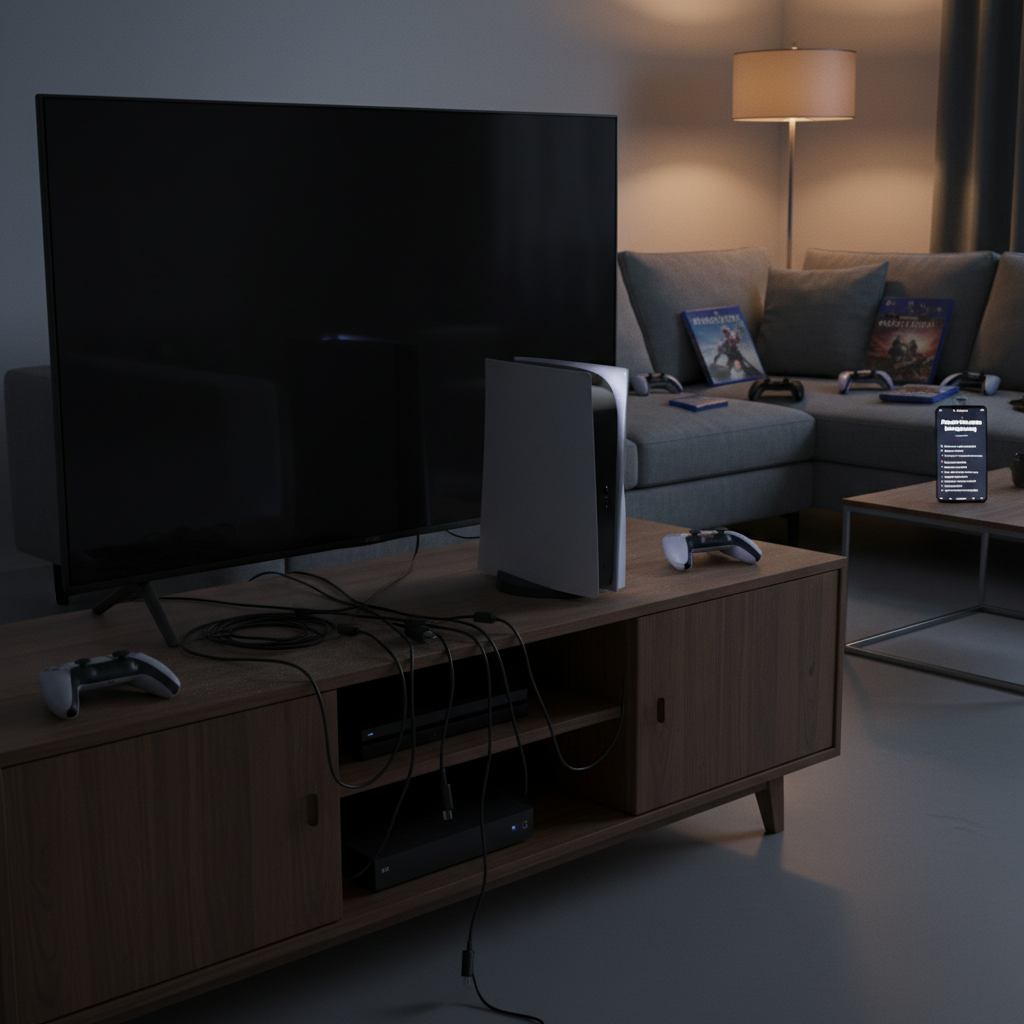
The black screen problem on the PlayStation 5 (PS5) prevents users from viewing images, even though the console powers on. This issue arises from various factors, including faulty HDMI connections, incorrect video output settings, and potential hardware failures. Notably, problems during the PS5’s Rest Mode feature can lead to display failures, complicating the gaming experience. Many users find effective resolutions through troubleshooting steps such as checking connections, adjusting settings, and utilizing Safe Mode options, but persistent cases may require professional repair due to hardware malfunctions.
Identifying Common Causes
Most black screen issues with the PS5 result from HDMI connection problems, such as damaged cables or loose ports. Additionally, users may encounter display problems due to mismatched video settings, especially if the console was previously connected to a different screen. Software glitches related to system updates, particularly affecting HDCP compatibility, are also common culprits. Moreover, hardware malfunctions, like faulty HDMI chips, may necessitate professional servicing to resolve persistent issues.
Troubleshooting Steps
To tackle persistent black screen issues, users should start with basic troubleshooting. Check that all HDMI connections are secure and that the original HDMI 2.1 cable is in use, as it supports optimal performance. Verify that the TV or monitor is powered on, updated, and set to the correct input. If the display remains black, performing a power cycle by turning off both the PS5 and the TV and unplugging them may resolve corrupted signal issues. Adjusting video output settings in the menu can also rectify resolution conflicts, while booting into Safe Mode offers advanced recovery options if earlier steps do not succeed.
Preventive Measures
Minimizing future black screen instances requires some preventive care. Keeping both the PS5 and connected display firmware updated helps prevent compatibility issues. Proper ventilation for the PS5 is crucial, as overheating can lead to performance drops and display errors. Using high-quality HDMI cables and verifying secure connections also reduces the risk of signal loss, while adjustments in video settings can help cater to different displays.
Community Insights
User experiences highlight the black screen issue’s prevalence, particularly after firmware updates. Many have reported that avoiding Rest Mode can mitigate black screen occurrences. Feedback emphasizes the effectiveness of troubleshooting steps like power cycling and adjusting resolution settings, indicating that while some issues require hardware repair, many can be resolved by following community-suggested solutions. Users also stress the importance of using the HDMI 2.1 cable for optimal connectivity, as misconfigurations can lead to display issues.
Official Recommendations
Sony advises initiating troubleshooting with HDMI connection checks and power cycling the console. Should issues persist, users are recommended to access Safe Mode functionality for advanced options like resetting video settings. If these steps fail, contacting PlayStation Support might be necessary for potential hardware repairs.
When Professional Help is Needed
If troubleshooting measures do not resolve a black screen problem, this may indicate a serious hardware issue. In these cases, seeking professional repair services becomes essential, especially if the console is still under warranty. While many issues can be addressed through user intervention, expert assessment ensures proper diagnosis and repair, minimizing potential damage risk for the PS5.
The content is provided by Sierra Knightley, Home Upgrade News